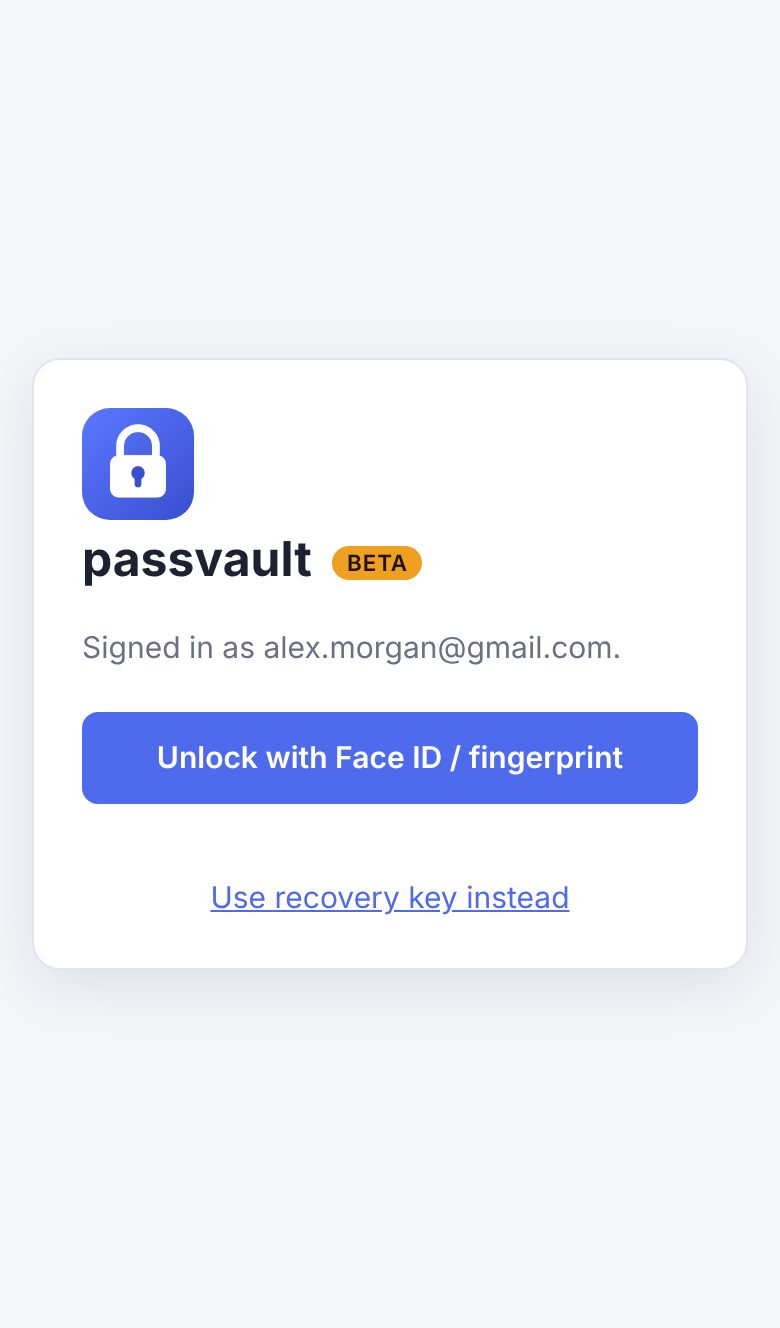
Face ID & fingerprint unlock
A passkey on your device unlocks your vault. Your face or fingerprint never leaves your phone.
 passvaultBeta
Now in private beta
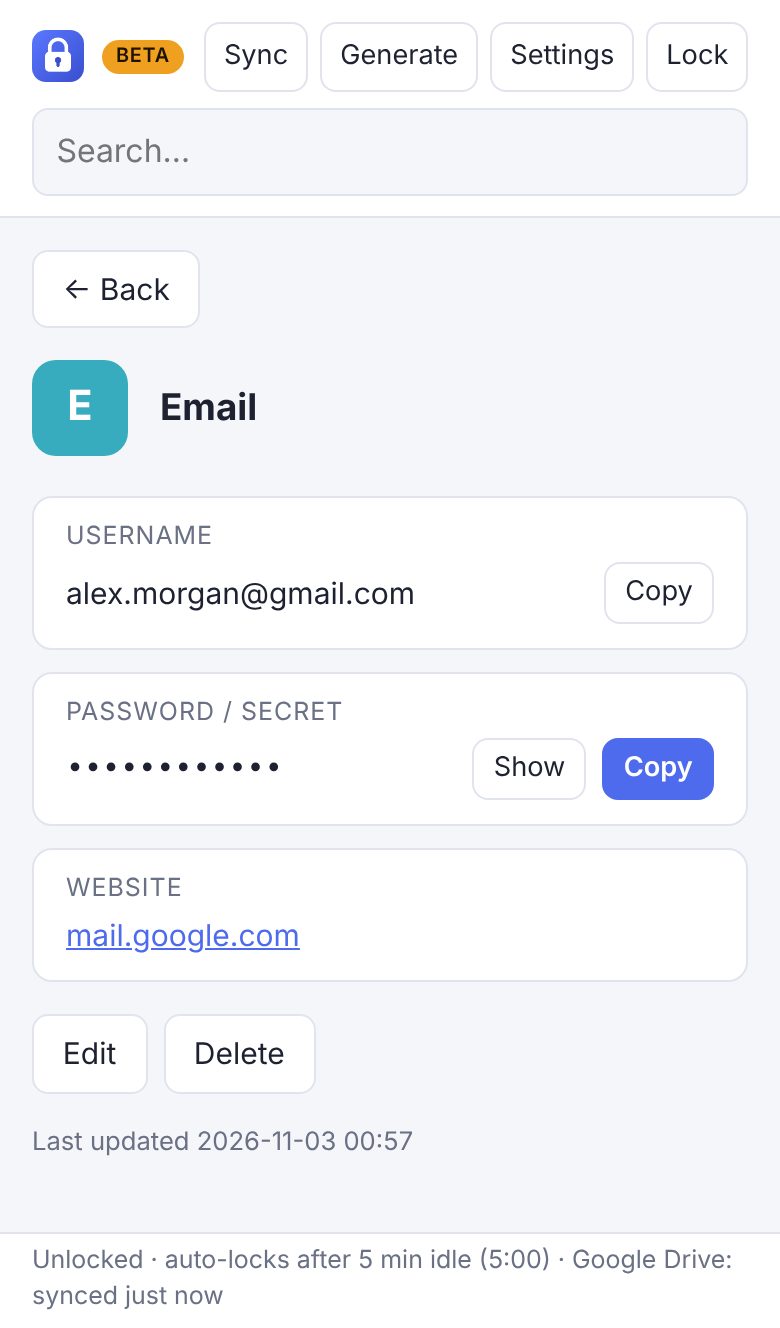
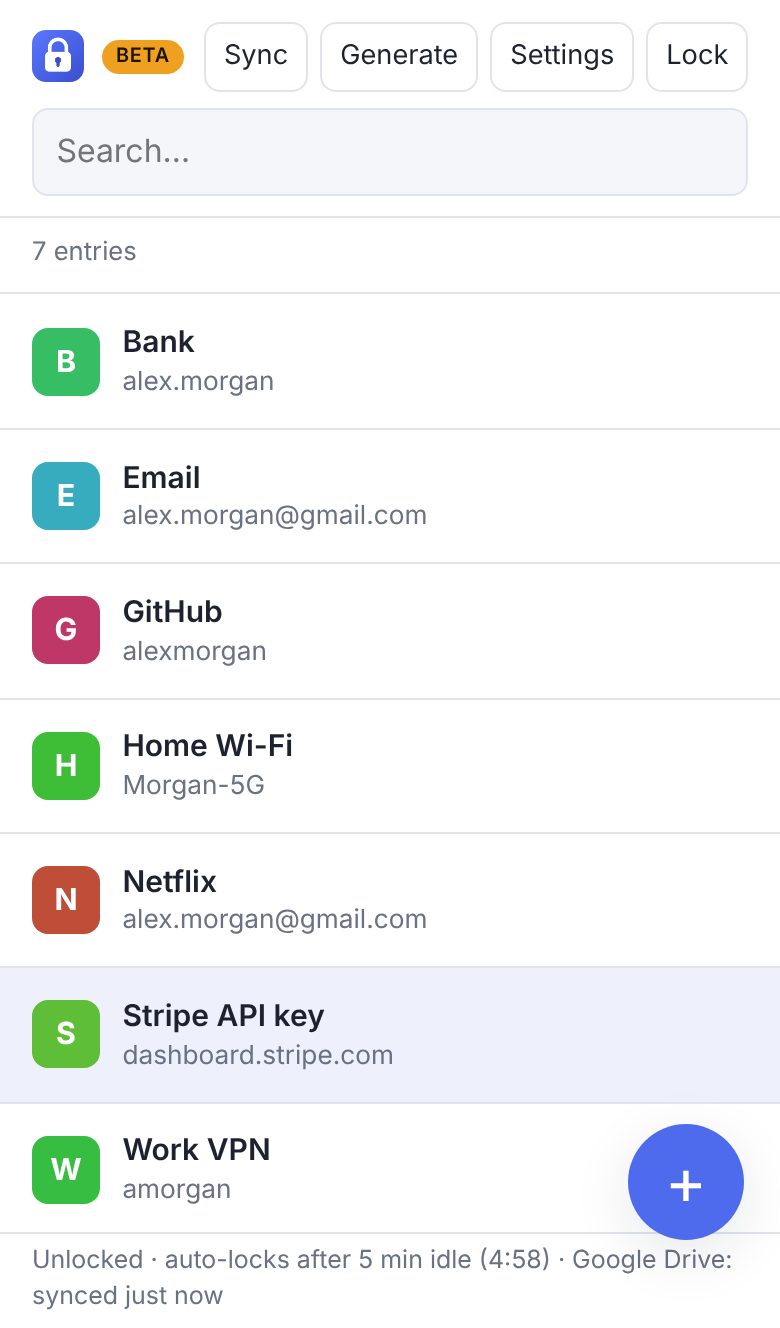
passvault keeps your passwords and secret keys encrypted on your devices and syncs them through your own Google Drive. Unlock with Face ID or your fingerprint, nothing to type.
A passkey on your device unlocks your vault. Your face or fingerprint never leaves your phone.
Sign in with Google and your vault syncs across your devices automatically. No passvault servers, no new account.
Everything is encrypted on your device with AES-256 before it reaches Drive. Google only ever stores scrambled data.
Install it on your home screen like an app. It opens and unlocks without internet and syncs when you're back online.
How it works
passvault asks for one narrow permission: access to the single file it creates in your Drive. Nothing else.
Your phone creates a passkey for passvault. From then on, a glance or a touch unlocks your vault.
You get a 25-character key to print or write down. It gets you back in if you ever lose your devices.
Security
Not Google, not us, not someone who gets into your Google account.
Opening your vault takes your Google account and your face or fingerprint on your own device.
passvault runs entirely on your device and talks straight to your Google Drive. There's no passvault database of users or passwords.
passvault uses the same well-tested building blocks as banks and major password managers: AES-256 encryption, passkeys and scrypt. No home-made cryptography.
Your recovery key is shown once and kept only by you. That's also why nobody can reset it for you, so keep it safe.
Private beta
We're letting testers in a few at a time. Leave the Google account you'll use with passvault. We'll add it and email you when you're in.
Sign-up happens on a short Google Form: your Google account email, and optionally your first name and devices.
Request beta accessOpens Google Forms in a new tab. We only use your email to add you to the beta and contact you about it. Nothing else, and it's never shared. By signing up you agree to the Terms and Privacy Policy.
We'll add to the beta and email you when it's ready. Then just open passvault and sign in with Google.
FAQ
No. Your vault is encrypted on your device before it's uploaded, and the key is unlocked by your passkey or recovery key, which only you have. Google stores the encrypted file. passvault has no servers, so there's nowhere else your data goes.
iPhone and iPad with iOS 18 or newer, Android phones with Chrome, and Mac, Windows, Linux or ChromeOS computers with a recent Chrome, Edge or Safari. Face ID or fingerprint unlock needs a device that supports passkeys. On other devices you can unlock with your recovery key.
Your vault is safe in your Google Drive. Passkeys usually sync to your other devices through iCloud Keychain or Google Password Manager. If not, sign in on any device and unlock with your recovery key, then set up Face ID there.
As long as Face ID or fingerprint unlock still works on one of your devices, you can create a new recovery key in Settings. If you lose the recovery key and all your devices, nobody can open the vault, us included. That's the price of real encryption.
During the beta, Google only lets approved test accounts sign in to new apps like passvault. Signing up lets us add your Google account to that list.
It works well day to day, but it's new. Please save a backup now and then (in the app: Sync → Save a backup file) and tell us about anything odd.